
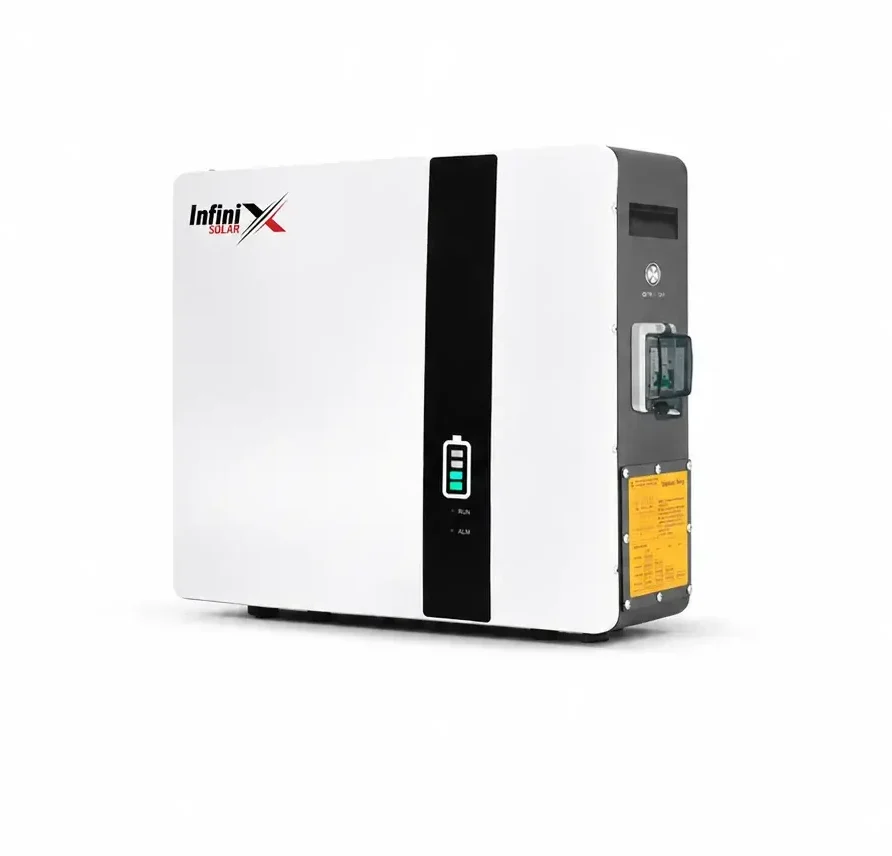
Every battery ages. Tubular batteries usually show it within a few years. Good lithium batteries take much longer. Either way, catching the signs early lets you plan a replacement instead of being caught in the dark during load shedding.
- The battery case is swollen, cracked or leaking.
- It gets hot to the touch while charging.
- There’s a sharp or acidic smell near it.
- The BMS shows repeated protection alarms.
1. Backup time keeps getting shorter
The clearest sign. If the same fans and lights used to run until morning and now the battery is empty by 2 am, capacity has dropped. Compare with the same season last year, because winter and summer loads differ.
2. Charge level drops suddenly
The display shows 80%, then a few minutes later 30%. This often means weak cells or, with lead-acid, sulphation. With lithium, it can also mean the BMS and inverter need recalibration through a full charge.
3. It never reaches full charge
On a sunny day with little load, the battery should fill up. If it stalls at a lower level day after day, check settings first (charge voltage, battery type), then suspect the battery.
4. Voltage collapses under load
Switching on the motor or iron makes the inverter beep “battery low” even when the battery should be fairly full. Weak batteries can’t hold voltage under heavy current.
5. Heat while charging
Batteries warm a little during charging, but a battery that gets hot to the touch is a warning sign. Check ventilation, charge current settings and cables, and stop using it if it keeps happening.
6. Swelling, leaks or smell
A swollen case, cracked casing, leaking acid or a sharp smell means the battery should be replaced. Don’t keep using a battery in this condition.
7. Frequent BMS alarms (lithium)
Repeated cell imbalance, over-voltage or under-voltage alarms can point to a failing cell or BMS. Many lithium batteries let you view cell voltages through an app, which makes diagnosis easier.
Before replacing, check these
- Battery type and voltage settings in the inverter
- Loose or corroded terminals and undersized cables
- Whether your load has grown, like a new AC or freezer
- Whether solar is actually charging it, look at the app on a sunny day
Sometimes the battery is fine and the problem is a setting or a cable. If it’s truly worn out, it may be time to move to lithium. Read lithium vs tubular and how much battery you need.
Backup time dropping?
Send us your battery details and a screenshot from the app. We’ll help you tell settings from a worn battery.