
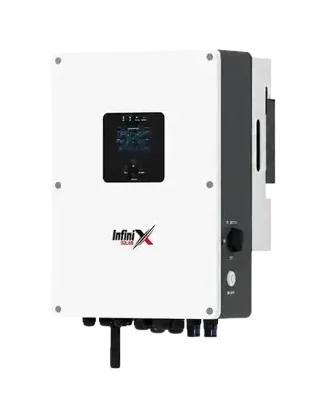
Most modern hybrid inverters come with a WiFi dongle or built-in WiFi and a phone app. During installation, someone sets it up, shows you a nice graph, and then it’s forgotten. That’s a waste, because the app is the easiest way to know whether your system is healthy.
- Daily solar units on clear days, compared week to week.
- Battery charge reaching full on sunny days.
- Grid import at times you expected solar to cover.
- Any fault or warning history.
What the main screen shows
- PV power: how many watts the panels are making right now.
- Load: how much your house is using.
- Battery: charge level and whether it’s charging or discharging.
- Grid: whether you’re importing from or exporting to the grid.
The numbers worth tracking
Daily solar units on clear days. Compare a sunny day this week with a sunny day a month ago. A slow drop is often dust. A sudden drop of a big chunk can mean a string has stopped working.
Battery reaching 100%. On a sunny day, the battery should fill up by afternoon. If it never does, either your panels are too few for your daytime use, or settings need adjusting.
Grid import timing. If you see the house pulling from grid at noon on a sunny day, something isn’t right. It could be a setting that prioritises grid, or loads larger than your solar.
Using the app to save money
Under net billing, using your own solar is worth far more than exporting it. The app shows exactly when you’re exporting. That’s your cue to run the washing machine, iron, water pump or AC pre-cooling at those times instead of in the evening.
Alerts
Turn on notifications for faults. A message saying “PV insulation fault” or “grid lost” while you’re at work lets you act early instead of finding out from a dead battery at night.
If the app stops updating
Usually it’s WiFi: router changed, password changed, or signal too weak where the inverter is. Reconnecting the dongle to the new network fixes it. Moving the router closer or adding a cheap WiFi extender helps if the signal is weak.
Seeing something odd in your app? Our guide to common inverter faults explains what the usual warnings mean.
Need help setting up monitoring?
Infinix customers can message our care team. We’ll walk you through connecting the app.